Skeleton
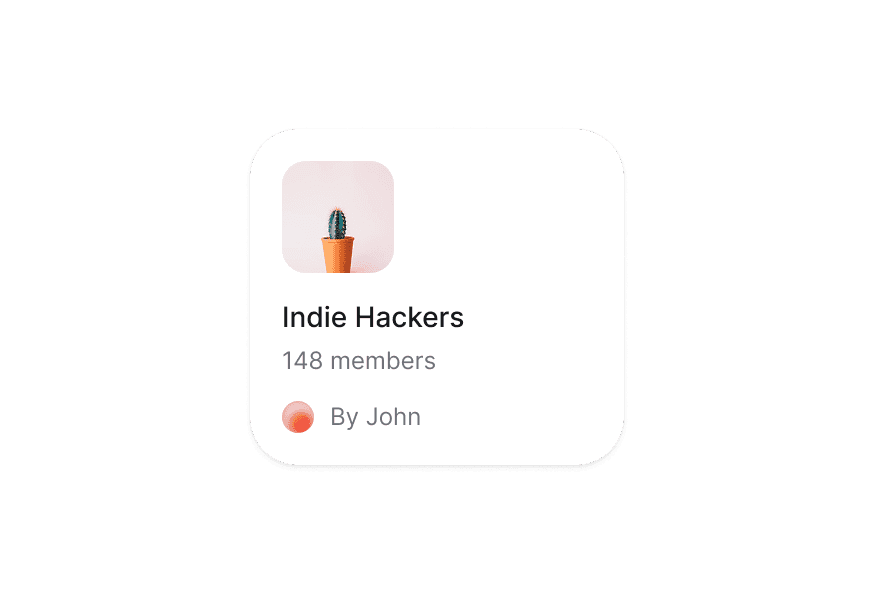
Skeleton is a placeholder to show a loading state and the expected shape of a component.
Import
import { Skeleton } from '@heroui/react';Usage
import {Skeleton} from "@heroui/react";

export function Basic() {
  return (
<div className="shadow-panel w-[250px] space-y-5 rounded-lg bg-transparent p-4">Text Content
import {Skeleton} from "@heroui/react";

export function TextContent() {
  return (
<div className="w-full max-w-md space-y-3">User Profile
import {Skeleton} from "@heroui/react";

export function UserProfile() {
  return (
<div className="flex items-center gap-3">List Items
import {Skeleton} from "@heroui/react";

export function List() {
  return (
<div className="w-full max-w-sm space-y-4">Animation Types
Shimmer
Pulse
None
import {Skeleton} from "@heroui/react";

export function AnimationTypes() {
  return (
<div className="grid w-full max-w-xl grid-cols-1 gap-6 sm:grid-cols-2 lg:grid-cols-3">Grid
import {Skeleton} from "@heroui/react";

export function Grid() {
  return (
<div className="grid w-full max-w-xl grid-cols-3 gap-4">Single Shimmer
A synchronized shimmer effect that passes over all skeleton elements at once. Apply the skeleton--shimmer class to a parent container and set animationType="none" on child skeletons.
import {Skeleton} from "@heroui/react";

export function SingleShimmer() {
  return (
<div className="skeleton--shimmer relative grid w-full max-w-xl grid-cols-3 gap-4 overflow-hidden rounded-xl">Styling
Global Animation Configuration
You can set a default animation type for all Skeleton components in your application by defining the --skeleton-animation CSS variable:
/* In your global CSS file */
:root {
  /* Possible values: shimmer, pulse, none */
  --skeleton-animation: pulse;
}

/* You can also set different values for light/dark themes */
.light, [data-theme="light"] {
  --skeleton-animation: shimmer;
}

.dark, [data-theme="dark"] {
  --skeleton-animation: pulse;
}
This global setting will be overridden by the animationType prop when specified on individual components.
Passing Tailwind CSS classes
import { Skeleton } from '@heroui/react';

function CustomSkeleton() {
  return (
    <Skeleton className="h-20 w-32 rounded-full" />
  );
}
Customizing the component classes
To customize the Skeleton component classes, you can use the @layer components directive.
Learn more.
@layer components {
  /* Base skeleton styles */
  .skeleton {
    @apply bg-surface-secondary/50; /* Change base background */
  }

  /* Shimmer animation gradient */
  .skeleton--shimmer:before {
    @apply viasurface; /* Change shimmer gradient color */
  }

  /* Pulse animation */
  .skeleton--pulse {
    @apply animate-pulse opacity-75; /* Customize pulse animation */
  }

  /* No animation variant */
  .skeleton--none {
    @apply opacity-50; /* Style for static skeleton */
  }
}
HeroUI follows the BEM methodology to ensure component variants and states are reusable and easy to customize.
CSS Classes
The Skeleton component uses these CSS classes (View source styles):
Base Class
.skeleton - Base skeleton styles with background and rounded corners
Animation Variant Classes
.skeleton--shimmer- Adds shimmer animation with gradient effect (default).skeleton--pulse- Adds pulse animation using Tailwind's animate-pulse.skeleton--none- No animation, static skeleton
Animation
The Skeleton component supports three animation types, each with different visual effects:
Shimmer Animation
The shimmer effect creates a gradient that moves across the skeleton element:
.skeleton--shimmer:before {
  @apply animate-skeleton via-surface-3 absolute inset-0 -translate-x-full
         bg-gradient-to-r from-transparent to-transparent content-[''];
}
The shimmer animation is defined in the theme using:
@theme inline {
  --animate-skeleton: skeleton 2s linear infinite;

  @keyframes skeleton {
    100% {
      transform: translateX(200%);
    }
  }
}
Pulse Animation
The pulse animation uses Tailwind's built-in animate-pulse utility:
.skeleton--pulse {
  @apply animate-pulse;
}
No Animation
For static skeletons without any animation:
.skeleton--none {
  /* No animation styles applied */
}
API Reference
Skeleton Props
| Prop | Type | Default | Description |
|---|---|---|---|
animationType | "shimmer" | "pulse" | "none" | "shimmer" or CSS variable | The animation type for the skeleton. Can be globally configured via --skeleton-animation CSS variable |
className | string | - | Additional CSS classes |