NumberFieldUpdated
Number input fields with increment/decrement buttons, validation, and internationalized formatting
Import
import { NumberField } from '@heroui/react';Usage
import {Label, NumberField} from "@heroui/react";

export function Basic() {
  return (
<NumberField className="w-full max-w-64" defaultValue={1024} minValue={0} name="width">Anatomy
import {NumberField, Label, Description, FieldError} from '@heroui/react';

export default () => (
  <NumberField>
    <Label />
    <NumberField.Group>
      <NumberField.DecrementButton />
      <NumberField.Input />
      <NumberField.IncrementButton />
    </NumberField.Group>
    <Description />
    <FieldError />
  </NumberField>
)
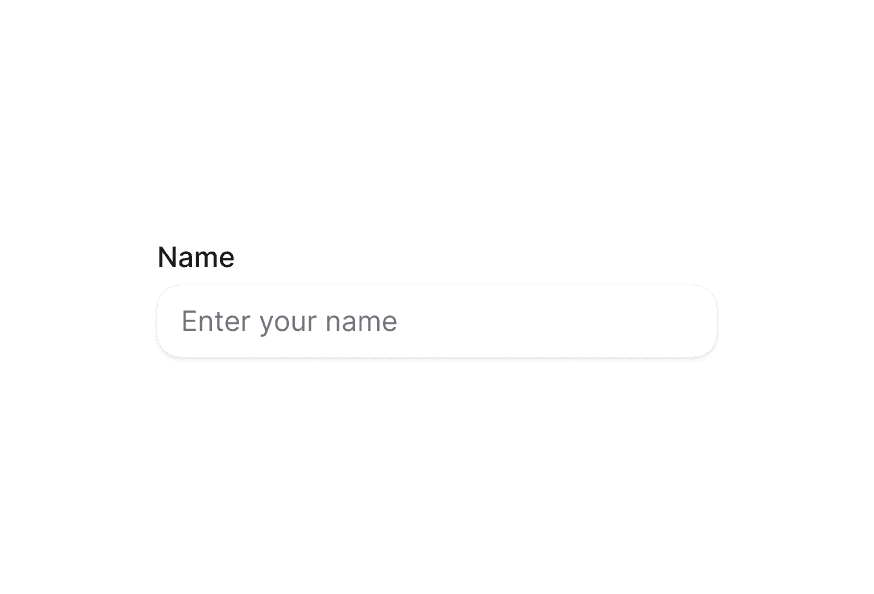
NumberField allows users to enter numeric values with optional increment/decrement buttons. It supports internationalized formatting, validation, and keyboard navigation.
With Description
import {Description, Label, NumberField} from "@heroui/react";

export function WithDescription() {
  return (
<div className="flex w-full max-w-64 flex-col gap-4">Required Field
import {Description, Label, NumberField} from "@heroui/react";

export function Required() {
  return (
<div className="flex w-full max-w-64 flex-col gap-4">Validation
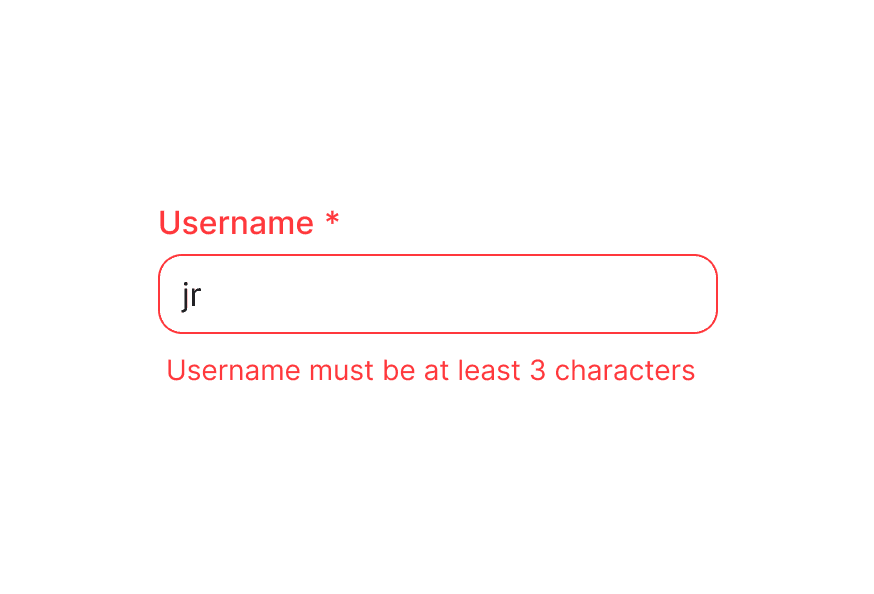
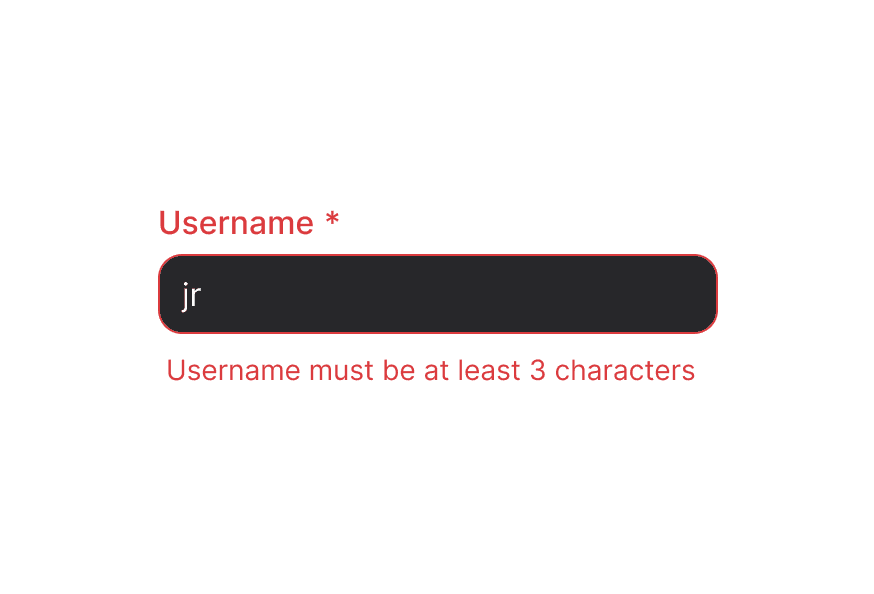
Use isInvalid together with FieldError to surface validation messages.
import {FieldError, Label, NumberField} from "@heroui/react";

export function Validation() {
  return (
<div className="flex w-full max-w-64 flex-col gap-4">Controlled
Control the value to synchronize with other components or perform custom formatting.
"use client";

import {Button, Description, Label, NumberField} from "@heroui/react";
import React from "react";
With Validation
Implement custom validation logic with controlled values.
"use client";

import {Description, FieldError, Label, NumberField} from "@heroui/react";
import React from "react";
Step Values
Configure increment/decrement step values for precise control.
import {Description, Label, NumberField} from "@heroui/react";

export function WithStep() {
  return (
<div className="flex w-full max-w-64 flex-col gap-4">Format Options
Format numbers as currency, percentages, decimals, or units with internationalization support.
import {Description, Label, NumberField} from "@heroui/react";

export function WithFormatOptions() {
  return (
<div className="flex w-full max-w-64 flex-col gap-4">Custom Icons
Customize the increment and decrement button icons.
import {Description, Label, NumberField} from "@heroui/react";

export function CustomIcons() {
  return (
<div className="flex w-full max-w-64 flex-col gap-4">With Chevrons
Use chevron icons in a vertical layout for a different visual style.
import {Label, NumberField} from "@heroui/react";

export function WithChevrons() {
  return (
<NumberFieldDisabled State
import {Description, Label, NumberField} from "@heroui/react";

export function Disabled() {
  return (
<div className="flex w-full max-w-64 flex-col gap-4">Full Width
import {Label, NumberField} from "@heroui/react";

export function FullWidth() {
  return (
<div className="w-[400px] space-y-4">In Surface
When used inside a Surface component, NumberField automatically applies in-surface styling.
import {Description, Label, NumberField, Surface} from "@heroui/react";

export function InSurface() {
  return (
<Surface className="flex w-full max-w-[280px] flex-col gap-4 rounded-3xl p-6">Form Example
Complete form integration with validation and submission handling.
"use client";

import {Button, Description, FieldError, Form, Label, NumberField, Spinner} from "@heroui/react";
import React from "react";
Styling
Passing Tailwind CSS classes
import {NumberField, Label} from '@heroui/react';

function CustomNumberField() {
  return (
    <NumberField className="gap-2">
      <Label className="text-sm font-semibold">Quantity</Label>
      <NumberField.Group className="rounded-xl border-2">
        <NumberField.DecrementButton className="bg-gray-100" />
        <NumberField.Input className="text-center font-bold" />
        <NumberField.IncrementButton className="bg-gray-100" />
      </NumberField.Group>
    </NumberField>
  );
}
Customizing the component classes
NumberField uses CSS classes that can be customized. Override the component classes to match your design system.
@layer components {
  .number-field {
    @apply flex flex-col gap-1;
  }

  /* When invalid, the description is hidden automatically */
  .number-field[data-invalid="true"] [data-slot="description"],
  .number-field[aria-invalid="true"] [data-slot="description"] {
    @apply hidden;
  }

  .number-field__group {
    @apply bg-field text-field-foreground shadow-field rounded-field inline-flex h-9 items-center overflow-hidden border;
  }

  .number-field__input {
    @apply flex-1 rounded-none border-0 bg-transparent px-3 py-2 tabular-nums;
  }

  .number-field__increment-button,
  .number-field__decrement-button {
    @apply flex h-full w-10 items-center justify-center rounded-none bg-transparent;
  }
}
CSS Classes
.number-field– Root container with minimal styling (flex flex-col gap-1).number-field__group– Container for input and buttons with border and background styling.number-field__input– The numeric input field.number-field__increment-button– Button to increment the value.number-field__decrement-button– Button to decrement the value.number-field__group--in-surface– Applied when used inside a Surface component
Note: Child components (Label, Description, FieldError) have their own CSS classes and styling. See their respective documentation for customization options.
Interactive States
NumberField automatically manages these data attributes based on its state:
- Invalid:
[data-invalid="true"]or[aria-invalid="true"]- Automatically hides the description slot when invalid - Disabled:
[data-disabled="true"]- Applied whenisDisabledis true - Focus Within:
[data-focus-within="true"]- Applied when the input or buttons are focused - Focus Visible:
[data-focus-visible="true"]- Applied when focus is visible (keyboard navigation) - Hovered:
[data-hovered="true"]- Applied when hovering over buttons
Additional attributes are available through render props (see NumberFieldRenderProps below).
API Reference
NumberField Props
NumberField inherits all props from React Aria's NumberField component.
Base Props
| Prop | Type | Default | Description |
|---|---|---|---|
children | React.ReactNode | (values: NumberFieldRenderProps) => React.ReactNode | - | Child components (Label, Group, Input, etc.) or render function. |
className | string | (values: NumberFieldRenderProps) => string | - | CSS classes for styling, supports render props. |
style | React.CSSProperties | (values: NumberFieldRenderProps) => React.CSSProperties | - | Inline styles, supports render props. |
fullWidth | boolean | false | Whether the number field should take full width of its container |
id | string | - | The element's unique identifier. |
inSurface | "default" | "secondary" | "tertiary" | - | Whether the field is in a surface (auto-detected when inside Surface). |
Value Props
| Prop | Type | Default | Description |
|---|---|---|---|
value | number | - | Current value (controlled). |
defaultValue | number | - | Default value (uncontrolled). |
onChange | (value: number | undefined) => void | - | Handler called when the value changes. |
Formatting Props
| Prop | Type | Default | Description |
|---|---|---|---|
formatOptions | Intl.NumberFormatOptions | - | Options for formatting numbers (currency, percent, decimal, unit). |
locale | string | - | Locale for number formatting. |
Validation Props
| Prop | Type | Default | Description |
|---|---|---|---|
isRequired | boolean | false | Whether user input is required before form submission. |
isInvalid | boolean | - | Whether the value is invalid. |
validate | (value: number) => ValidationError | true | null | undefined | - | Custom validation function. |
validationBehavior | 'native' | 'aria' | 'native' | Whether to use native HTML form validation or ARIA attributes. |
validationErrors | string[] | - | Server-side validation errors. |
Range Props
| Prop | Type | Default | Description |
|---|---|---|---|
minValue | number | - | Minimum allowed value. |
maxValue | number | - | Maximum allowed value. |
step | number | 1 | Step value for increment/decrement operations. |
State Props
| Prop | Type | Default | Description |
|---|---|---|---|
isDisabled | boolean | - | Whether the input is disabled. |
isReadOnly | boolean | - | Whether the input can be selected but not changed. |
Form Props
| Prop | Type | Default | Description |
|---|---|---|---|
name | string | - | Name of the input element, for HTML form submission. |
autoFocus | boolean | - | Whether the element should receive focus on render. |
Accessibility Props
| Prop | Type | Default | Description |
|---|---|---|---|
aria-label | string | - | Accessibility label when no visible label is present. |
aria-labelledby | string | - | ID of elements that label this field. |
aria-describedby | string | - | ID of elements that describe this field. |
aria-details | string | - | ID of elements with additional details. |
Composition Components
NumberField works with these separate components that should be imported and used directly:
- NumberField.Group - Container for input and buttons
- NumberField.Input - The numeric input field
- NumberField.IncrementButton - Button to increment the value
- NumberField.DecrementButton - Button to decrement the value
- Label - Field label component from
@heroui/react - Description - Helper text component from
@heroui/react - FieldError - Validation error message from
@heroui/react
Each of these components has its own props API. Use them directly within NumberField for composition:
<NumberField isRequired isInvalid={hasError} minValue={0} maxValue={100}>
  <Label>Quantity</Label>
  <NumberField.Group>
    <NumberField.DecrementButton />
    <NumberField.Input />
    <NumberField.IncrementButton />
  </NumberField.Group>
  <Description>Enter a value between 0 and 100</Description>
  <FieldError>Value must be between 0 and 100</FieldError>
</NumberField>
NumberField.Group Props
NumberField.Group inherits props from React Aria's Group component.
| Prop | Type | Default | Description |
|---|---|---|---|
children | React.ReactNode | (values: GroupRenderProps) => React.ReactNode | - | Child components (Input, Buttons) or render function. |
className | string | (values: GroupRenderProps) => string | - | CSS classes for styling. |
NumberField.Input Props
NumberField.Input inherits props from React Aria's Input component.
| Prop | Type | Default | Description |
|---|---|---|---|
className | string | - | CSS classes for styling. |
inSurface | "default" | "secondary" | "tertiary" | - | Whether the input is in a surface (auto-detected when inside Surface). |
NumberField.IncrementButton Props
NumberField.IncrementButton inherits props from React Aria's Button component.
| Prop | Type | Default | Description |
|---|---|---|---|
children | React.ReactNode | <IconPlus /> | Icon or content for the button. Defaults to plus icon. |
className | string | - | CSS classes for styling. |
slot | "increment" | "increment" | Must be set to "increment" (automatically set). |
NumberField.DecrementButton Props
NumberField.DecrementButton inherits props from React Aria's Button component.
| Prop | Type | Default | Description |
|---|---|---|---|
children | React.ReactNode | <IconMinus /> | Icon or content for the button. Defaults to minus icon. |
className | string | - | CSS classes for styling. |
slot | "decrement" | "decrement" | Must be set to "decrement" (automatically set). |
NumberFieldRenderProps
When using render props with className, style, or children, these values are available:
| Prop | Type | Description |
|---|---|---|
isDisabled | boolean | Whether the field is disabled. |
isInvalid | boolean | Whether the field is currently invalid. |
isReadOnly | boolean | Whether the field is read-only. |
isRequired | boolean | Whether the field is required. |
isFocused | boolean | Whether the field is currently focused (DEPRECATED - use isFocusWithin). |
isFocusWithin | boolean | Whether any child element is focused. |
isFocusVisible | boolean | Whether focus is visible (keyboard navigation). |
value | number | undefined | Current value. |
minValue | number | undefined | Minimum allowed value. |
maxValue | number | undefined | Maximum allowed value. |
step | number | Step value for increment/decrement. |